
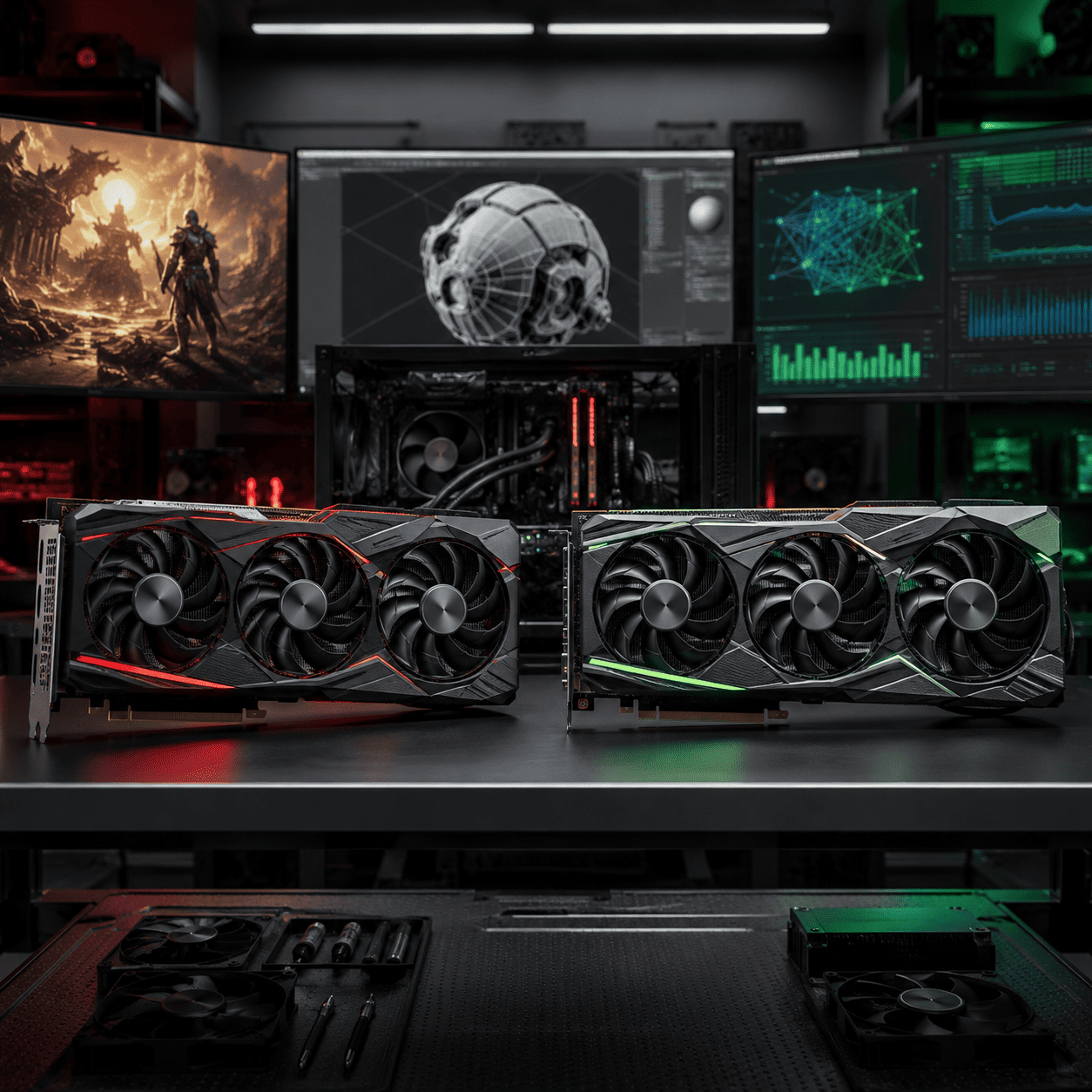
The AMD vs NVIDIA GPU debate has been around for years, but the (change word: right) answer depends less on brand loyalty and more on how you actually use your PC.
For example, a gamer playing at 1080p, a video editor working with heavy timelines, a designer using 3D software, and an AI user running machine learning tasks may all need different things from a graphics card.
In general, AMD graphics cards are known for strong price-to-performance, while NVIDIA GPUs usually lead in high-end features – so, the ultimate choice depends on what you need your GPU to do.
With that in mind, let’s break down the difference between AMD and NVIDIA graphics cards.
What Is the Difference Between AMD and NVIDIA GPUs?
The fundamental distinction between an AMD and NVIDIA GPU comes down to value, features, and software support.
AMD Graphics Cards
AMD graphics cards are widely recognized for strong price-to-performance, including generous video memory (VRAM) – an advantage that matters for higher-resolution gaming and future-proofing a build – making them appealing for gamers who want more power for their money.
NVIDIA Graphics Cards
NVIDIA graphics cards usually lead at the high end, particularly in ray tracing, AI-accelerated features, and professional software support through CUDA and DLSS.
AMD has closed the gap in recent generations, but NVIDIA’s software ecosystem – especially for AI and creative workloads – is still a clear differentiator for users who need more than gaming performance.
AMD or NVIDIA? What to Look for Before Choosing
Choosing the right graphics card starts with how you plan to use it.
When comparing an AMD with an NVIDIA GPU, the best choice is not always the most expensive model. It depends on your screen resolution, the games you play, the software you use, and whether you care more about raw value or advanced features.
Here are some things to consider:
Target Resolution
This is the very first factor to check. A higher-resolution display can show sharper images and more detail, but it also makes the graphics card work harder.
- Full HD / 1080p: You usually do not need the most powerful GPU.
- 1440p: You need a stronger card that can balance sharper visuals with high frame rates.
- 4K and beyond: Choose a high-end graphics card with enough VRAM and processing power to keep everything running smoothly.
Performance Per Dollar
Price-to-performance is one of the first things to consider when comparing AMD and NVIDIA graphics cards, such as Radeon vs. GeForce.
AMD is often the stronger choice when you want as much performance as possible for your budget, especially if you do not need every premium feature.
NVIDIA often costs more, but the higher price can make sense if your work depends on demanding software, broad app compatibility, or top-tier performance from a high-end graphics card.
To make the most of your budget, certified refurbished graphics cards are also a trustworthy option to consider.
Ray Tracing and Visual Features
Ray tracing is a rendering technology that makes lighting, shadows, and reflections look more realistic. It is widely used in modern gaming consoles like PS5 and Xbox Series X, but also in 3D rendering, animation, design, and other visual work for lifelike final renders.
Although both brands offer this tech, ray tracing in AMD and NVIDIA GPUs differs at the hardware level.
NVIDIA RT Cores Usually Perform Better
NVIDIA’s RT cores (short for Ray Tracing cores) are specialized hardware units built into NVIDIA RTX GPUs. They process light calculations separately from the main graphics hardware, helping ray-traced effects run more efficiently.
AMD Ray Accelerators Prioritize Raw Performance
Found in models like the consumer Radeon RX 7000 series and professional Radeon PRO W7000 series, AMD’s Ray Accelerators are specialized hardware circuits built into the AMD GPU’s standard processing blocks.
By sharing chip resources with traditional graphics hardware, there’s more room on the chip for traditional graphics cores. This delivers strong speed for tasks like standard games, live 3D viewports, and general visual rendering, but has a heavier performance drop during heavy visual workloads.
All in all, NVIDIA cards can be around 25% to 50% faster in games with heavy realistic lighting effects, while AMD remains more competitive when those effects are lighter or less important.
Upscaling Technology
Upscaling helps a graphics card deliver smoother performance, especially at higher resolutions or when demanding visual effects are turned on.
Instead of processing every image at full resolution from the start, the GPU creates a lighter version first and then rebuilds or sharpens it so the final image still looks clear.
NVIDIA GPUs Use DLSS
NVIDIA’s DLSS (Deep Learning Super Sampling) is one of its biggest advantages because it uses AI upscaling supported by dedicated hardware units called Tensor Cores – specialized circuits built directly onto the chip to run heavy AI and machine learning calculations efficiently.
This can produce a sharp image while reducing the performance cost.
AMD GPUs Offer FSR
AMD FSR (FidelityFX Super Resolution) is a flexible software tool that works across a wide variety of graphics cards, including older models. Newer versions of FSR also use AI, but instead of relying on dedicated AI hardware in the same way as DLSS, they generally rely more on the GPU’s standard processing resources.
This shared workload can affect final image quality and efficiency compared with DLSS.
Software and Workload Support
Powerful graphics cards are a common topic of discussion among gamers, as well as among those dealing with video editing, 3D rendering, AI, or machine learning. In all of these cases, software support matters.
This is where NVIDIA has a major advantage with CUDA, which is widely used in professional and AI software.
NVIDIA CUDA
CUDA (Compute Unified Device Architecture) is a proprietary software platform created by NVIDIA in 2006. It allows programmers to use NVIDIA graphics cards to accelerate parallel computing tasks alongside the CPU.
Because CUDA is widely supported in AI, machine learning, rendering, simulation, and other professional software, NVIDIA has a major advantage in workloads that depend on GPU acceleration.
Along the same lines, AMD offers ROCm – a more open, but not as widely supported, software stack.
AMD ROCm
ROCm (Radeon Open Compute) is AMD’s open-source alternative to NVIDIA’s CUDA – essentially the software layer that lets AMD graphics cards run the kind of heavy computing tasks that power AI, scientific research, and data centers.
While CUDA is locked to NVIDIA hardware, ROCm is built on open standards and works across AMD’s professional data center GPUs as well as some consumer Radeon cards.
Power and System Compatibility
A more powerful GPU may need more power, more cooling, and more room inside your PC case. So, before buying an AMD GPU or NVIDIA GPU, check whether your power supply, case size, CPU, and monitor can support it properly.
A strong graphics card may not deliver its full value if the rest of the system holds it back.
So, Which GPU Is Better, AMD or NVIDIA?
As there is no universal winner in the NVIDIA vs AMD conflict, the “better” GPU depends entirely on your specific needs and budget.
NVIDIA is the strongest choice for those who demand the highest possible performance and cutting-edge features, regardless of cost.
AMD is the champion of value, offering competitive mid-range performance and more memory for a lower investment.
Looking for top GPU deals at refurbished prices? Check out the Green Wave Electronics store.